Guides
Payment Terminal
Introduction
Integrating a payment terminal with Centrapay APIs allows merchants to accept payment via any Centrapay-enabled apps using the payment terminals they already have, without installing additional hardware.
Payment Flow
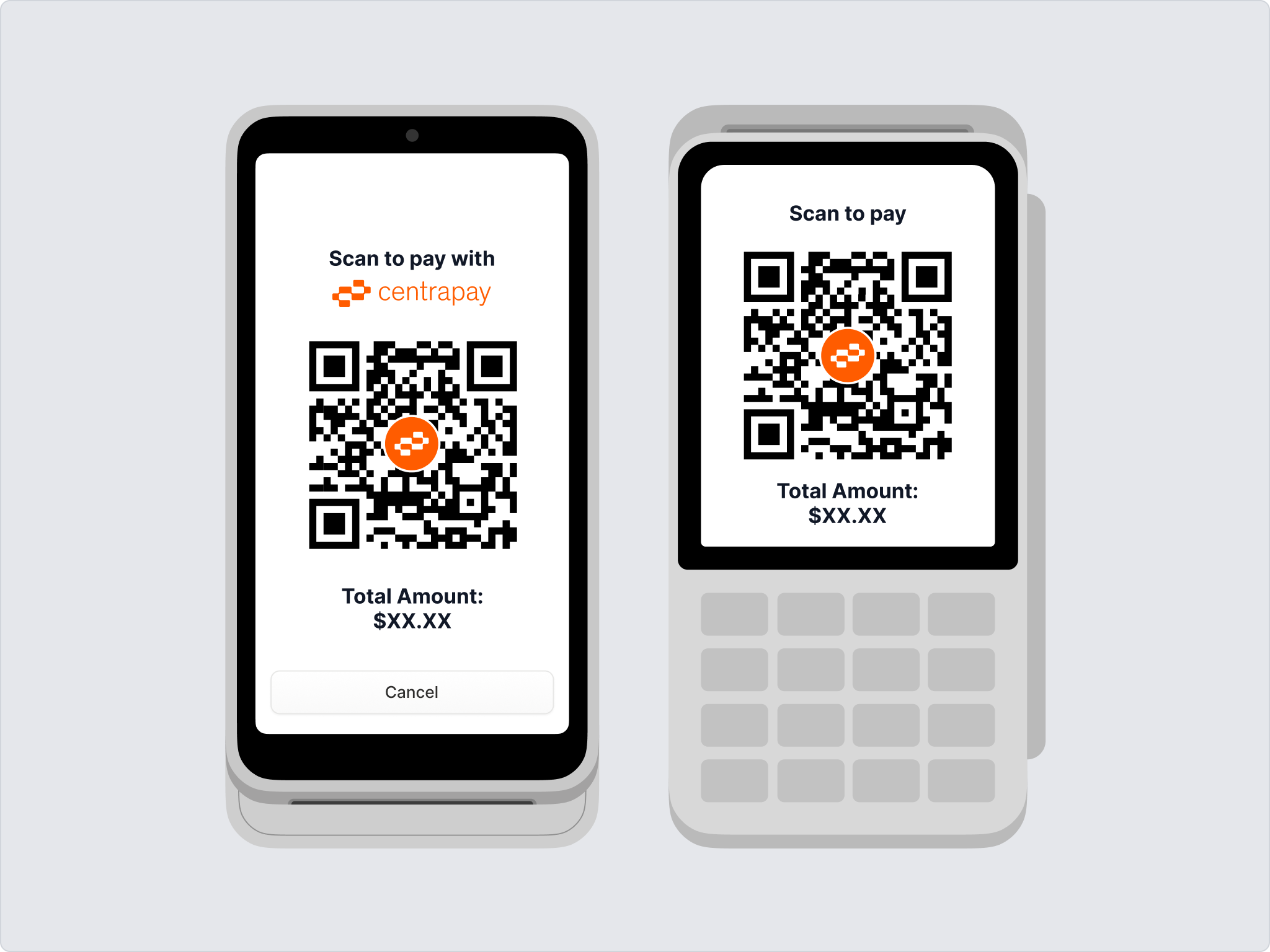
- QR Code Flow: the terminal displays a QR code for the patron to scan with their Centrapay app.
Interface Guidelines
Use the Centrapay Logos when building the UI for Centrapay payments.
Payment Option
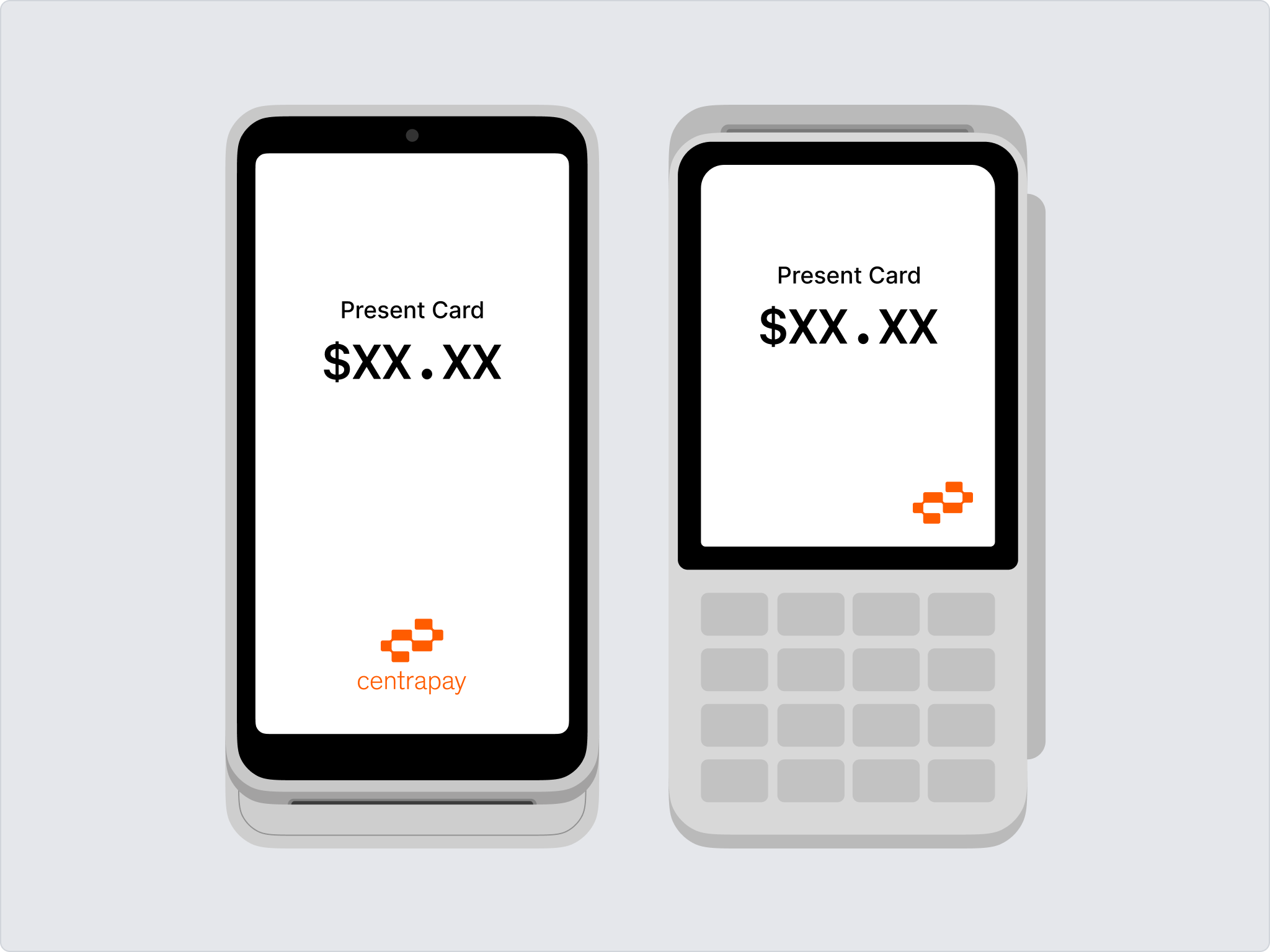
Always display Centrapay as a payment option. Choose the Centrapay logo format that best suits the screen size, and present it as a payment option button. Use the Centrapay brand orange wherever possible.
QR Code
The payment QR code screen must display the Centrapay logo, for example above or below the QR code, or in the centre of the QR code. The copy can be "Scan to pay" or "Scan to pay with Centrapay".